How to Replace a Thermostat: A Complete Homeowner's Guide
This post contains affiliate links. As an Amazon Associate, I earn from qualifying purchases at no extra cost to you.
Replacing a thermostat is one of the most approachable HVAC projects a homeowner can tackle. Whether you are upgrading from a manual dial to a programmable model or switching to a smart thermostat, the process is straightforward and typically takes less than an hour. The wiring can look intimidating at first glance, but residential thermostats use a simple, standardized labeling system that makes the job manageable with basic tools.
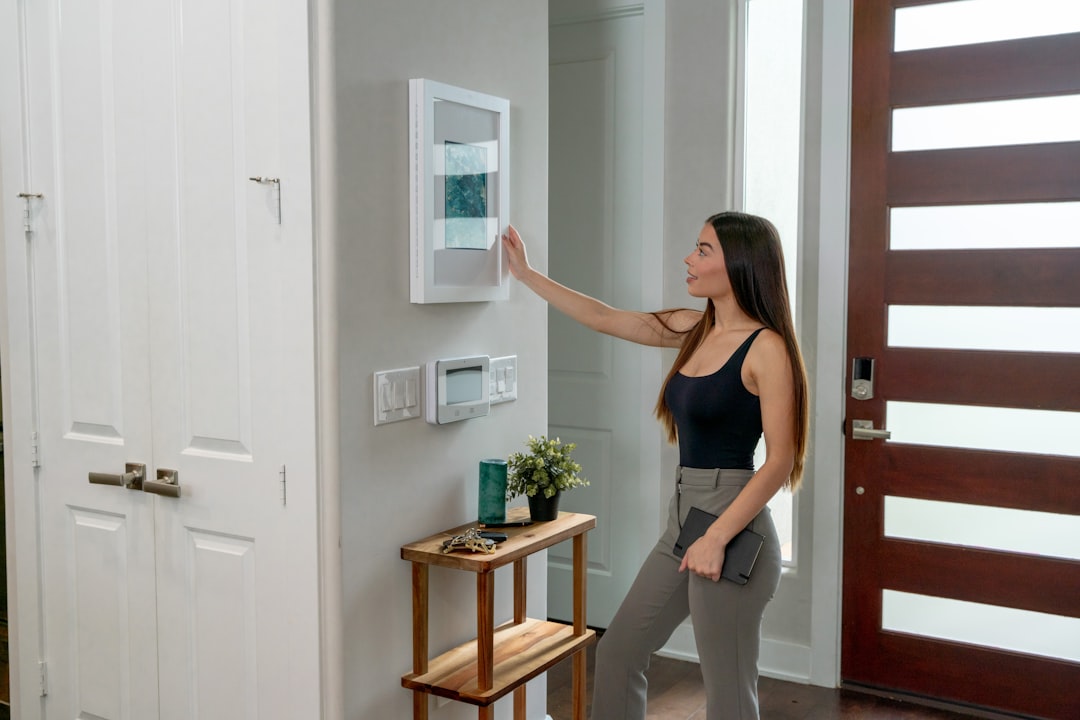
Photo by Sable Flow on Unsplash
Before You Start
Turn off power to your HVAC system at the circuit breaker before touching any wiring. Most thermostats operate on 24 volts, which will not electrocute you, but the furnace or air handler connected to the wiring operates on line voltage, and you want that circuit dead while you work.
Take a photo of the existing wiring before you disconnect anything. This is the single most important step. The photo gives you a clear reference for which wire connects to which terminal, and it is your safety net if the new thermostat labels differ from the old one.
Understanding Thermostat Wires
Residential thermostats use colored low-voltage wires connected to labeled terminals. The most common terminals are:
- R or Rh: Red wire, 24-volt power from the transformer, for heating
- Rc: Red wire, 24-volt power for cooling (some systems have both Rh and Rc)
- W or W1: White wire, heating call
- Y or Y1: Yellow wire, cooling call
- G: Green wire, fan
- C: Common wire, completes the 24-volt circuit (required for most smart thermostats)
- O or B: Orange or blue wire, heat pump reversing valve
Not every system uses all of these terminals. A basic heating-only system might have only R, W, and G wires. A full cooling and heating system will have R, W, Y, G, and ideally C. Heat pump systems have additional wires for the reversing valve.
The C Wire Problem
Many older thermostats do not use a C wire because they drew power from the heating or cooling call signals. Smart thermostats need continuous power and almost always require a C wire. If your current wiring does not include one, you have a few options: run a new wire from the air handler (the cleanest solution), use an add-a-wire adapter that creates a virtual C wire from the existing wires, or choose a smart thermostat like the Nest E that can operate without a C wire on compatible systems. Check the new thermostat’s documentation carefully.
Installation Steps
Remove the old thermostat faceplate and take your wiring photo. Label each wire with masking tape and a marker to match its terminal letter before disconnecting. This is especially helpful if the photo becomes hard to read.
Disconnect the wires from the old terminals and remove the old backplate from the wall.
Mount the new backplate. Most thermostats use two or three screws into a wall anchor or directly into a wall stud. Use the built-in level if the new base includes one.
Connect each wire to the matching terminal on the new base. Push the bare wire end firmly into the terminal and tighten any screws. Make sure no bare copper is exposed outside the terminal.
Snap the new thermostat onto the base and restore power at the breaker.
Walk through the setup process in the thermostat’s menu to configure your system type (heat only, heat and cool, heat pump), the number of stages, and your schedule preferences.
The Nest and Ecobee compatibility checkers (available at nest.com and ecobee.com) verify system compatibility before you buy - use them to avoid a return trip.
Testing
Set the thermostat above your current room temperature to call for heat, and verify that the furnace or heat pump starts and runs normally. Then set it below room temperature to call for cooling. Check that the fan runs independently when you set it to ON. If everything works correctly, your installation is complete.
Related Reading
A new thermostat pairs well with a cleaned system. Our How to Change Your HVAC Air Filter guide covers the other routine maintenance task every homeowner should do.
Recommended Products
Here are a few products to help with what we covered in this guide: